
Deployment
Docker image
Section titled “Docker image”Releases publish to GHCR as ghcr.io/screensemble/screensemble-conductor
with tags :v<version>, :<major.minor>, and :latest.
docker run -d \ --name screensemble \ --restart unless-stopped \ -p 8080:8080 \ -v screensemble-data:/app/data \ ghcr.io/screensemble/screensemble-conductor:latestPersistence
Section titled “Persistence”Mount a volume at /app/data — it holds everything that matters:
data/performers.json— display identities, tokens, status.data/auth.db,data/auth_secret— user accounts and session secret.data/library/— the permanent media store.data/playlists.json— shared playlists and assignments.
Sign-in
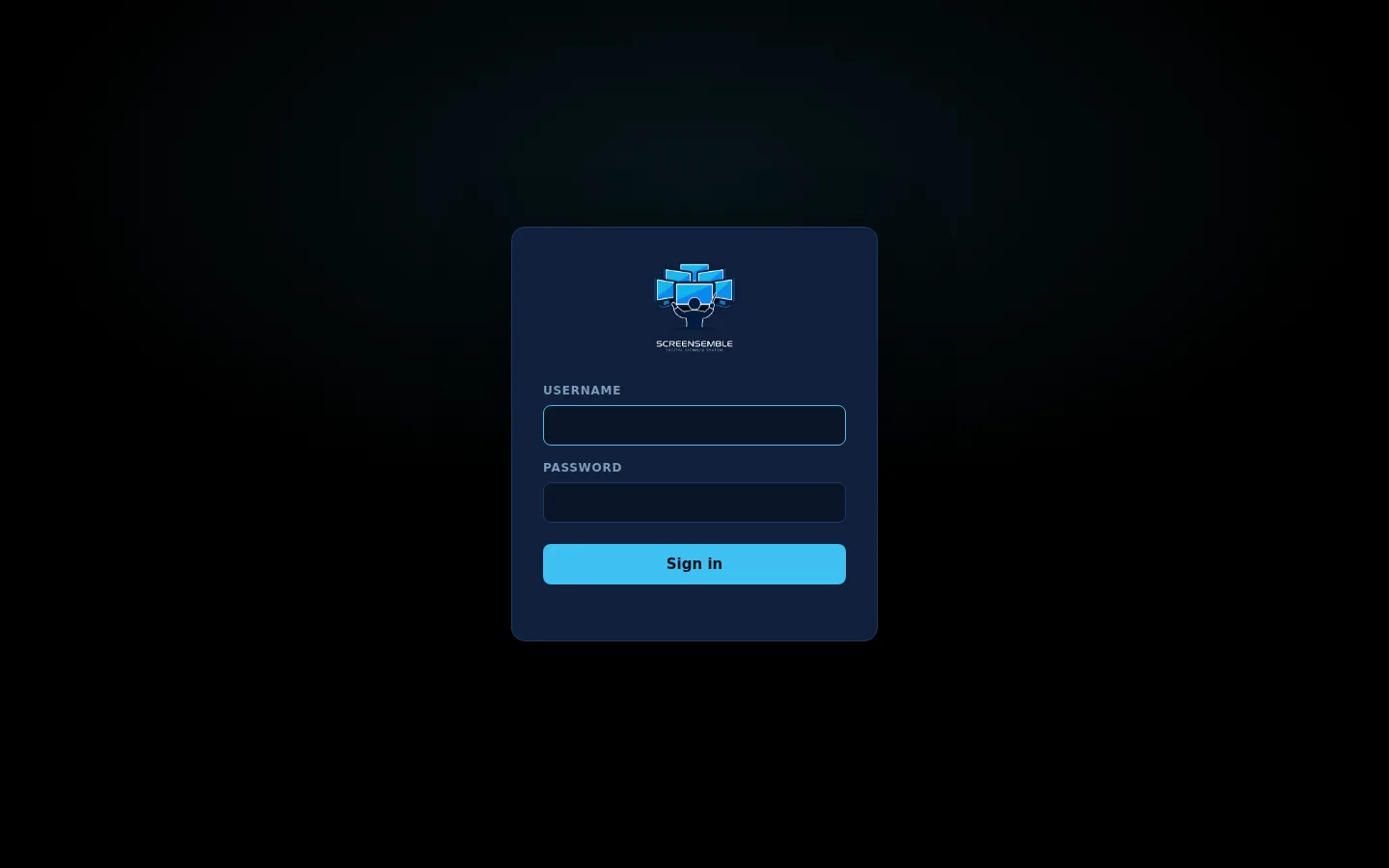
Section titled “Sign-in”The Control Room requires a login (Better Auth, users stored in data/auth.db
inside the volume). First login is screensemble / screensemble — a
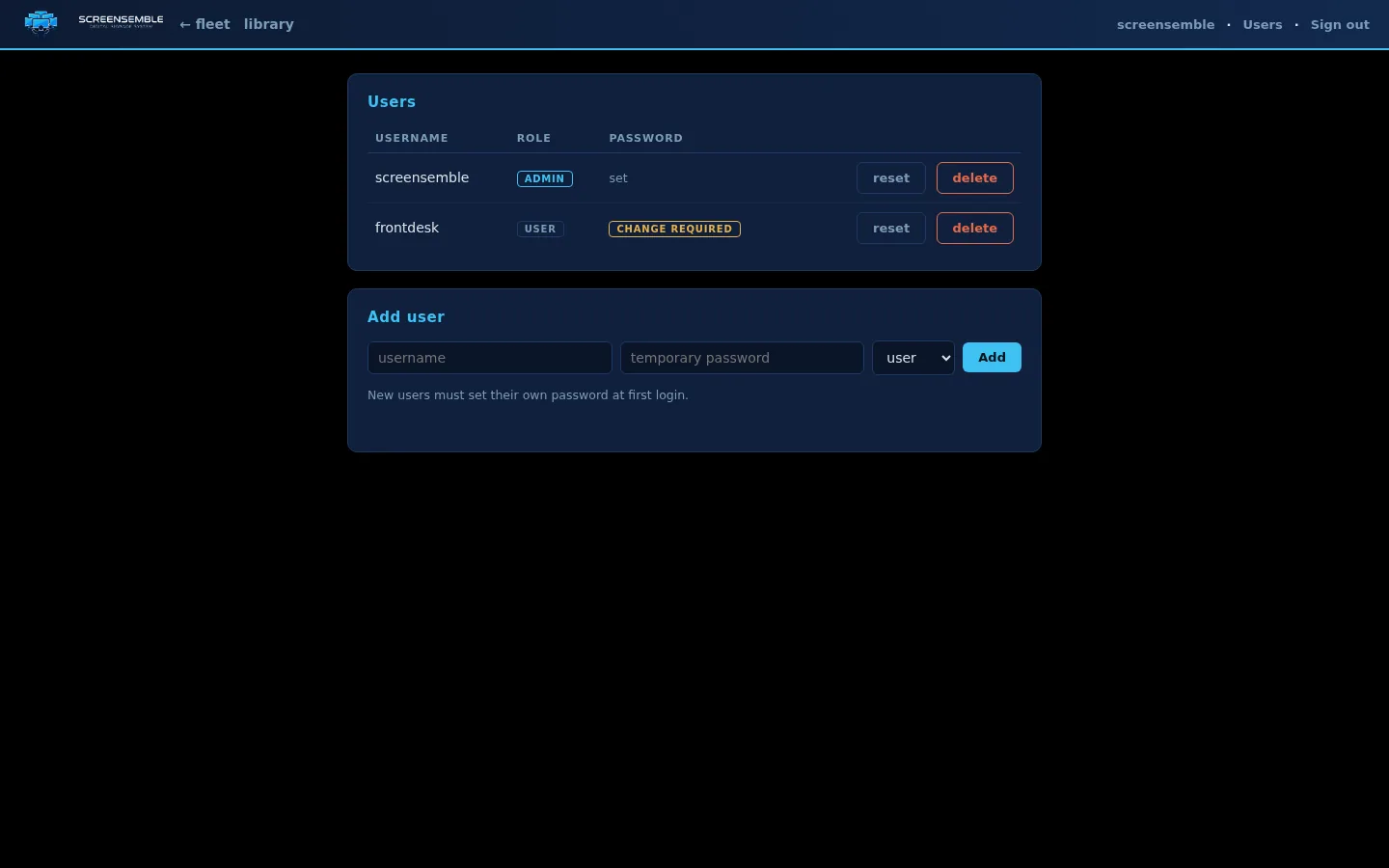
password change is forced immediately. There is no public sign-up;
admins add users at /users.html.
 Displays and media pulls are unaffected — they authenticate with their
pairing token, not a user account.
Networking
Section titled “Networking”- Displays connect outbound to the conductor port — the conductor needs no inbound path to display networks, and displays work behind NAT.
- If the conductor is behind a reverse proxy, make sure the WebSocket path
/ws/playeris upgraded correctly (Upgrade/Connectionheaders), and setPUBLIC_URLto the address displays should download media from. - Displays download media from the same host they connected to, so Docker
port mappings (
-p 8090:8080) work without extra config. - Use HTTPS (via the proxy) whenever the conductor is reachable beyond an isolated show network — device tokens travel in media URLs.
Container
Section titled “Container”The image runs as the unprivileged node user (an entrypoint fixes
ownership of volumes created by older images) and has a Docker
HEALTHCHECK against /api/health.
Updating
Section titled “Updating”Pull the new image tag and recreate the container; data survives in the volume. Display performers update through the Kodi repository addon — install it once and each release arrives as a normal addon update.
Addon updates without internet
Section titled “Addon updates without internet”The conductor can host the performer addon itself. Build the repo index with
tools/build_repo.py (or grab the release artifacts) into data/repo/,
then on each display’s admin page use Addon updates → Download the
update-repo installer. Installing that zip once points Kodi at
/repo/ on this conductor with the display’s own token — future addon
versions arrive as normal Kodi updates, no internet needed.
Set TLS_CERT and TLS_KEY to serve HTTPS + wss:// on the performer
socket. Displays dial wss:// automatically from an https:// conductor
address; enable Skip TLS verification in the display’s Security
settings when using a self-signed certificate (media pulls honor it too).